Removing/changing a caption from an image
When images are auto-migrated from Mosaic, they carry over existing metadata, including any associated captions. You may prefer to remove or change these captions to avoid display errors.
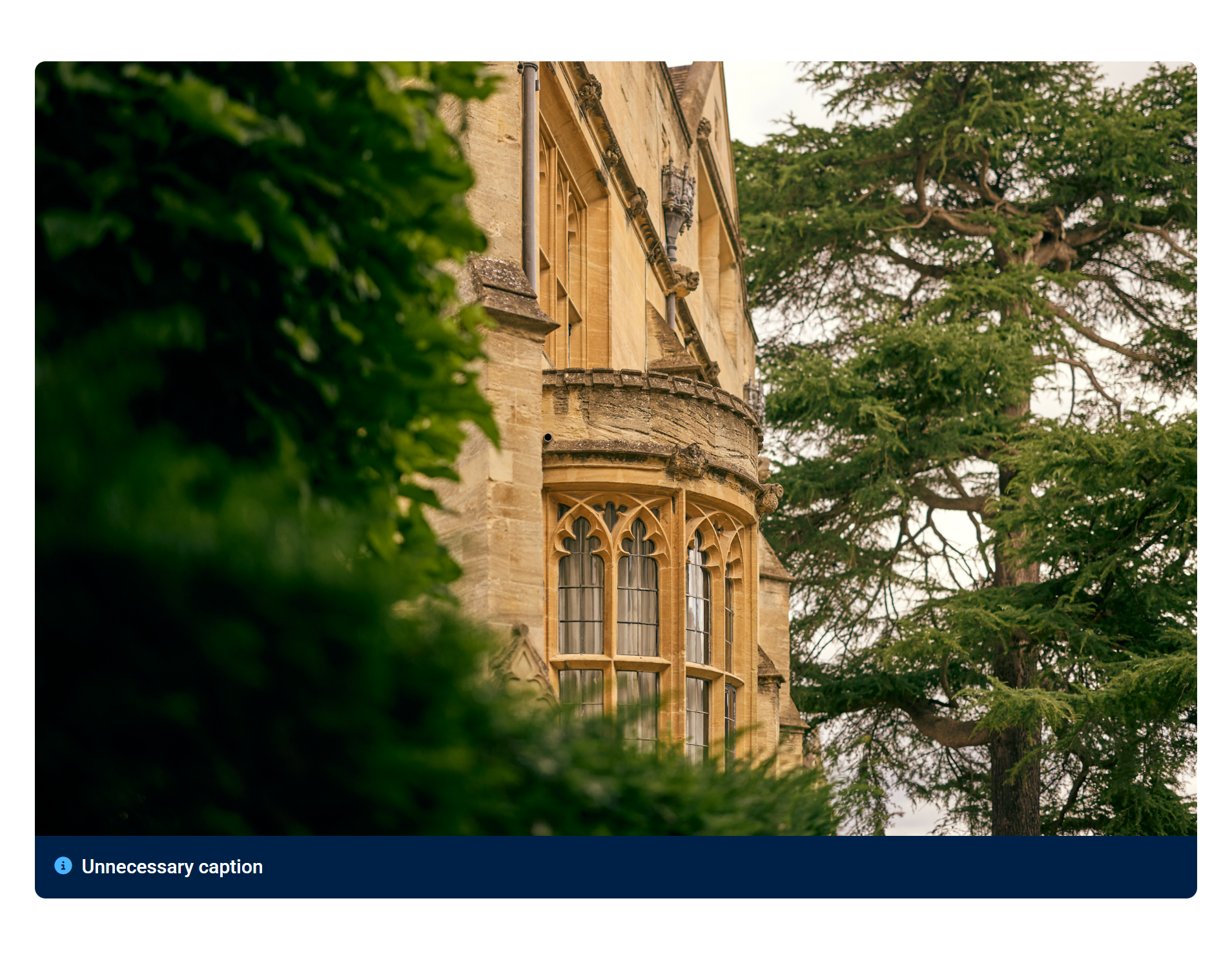
1) Before removing the caption from an image
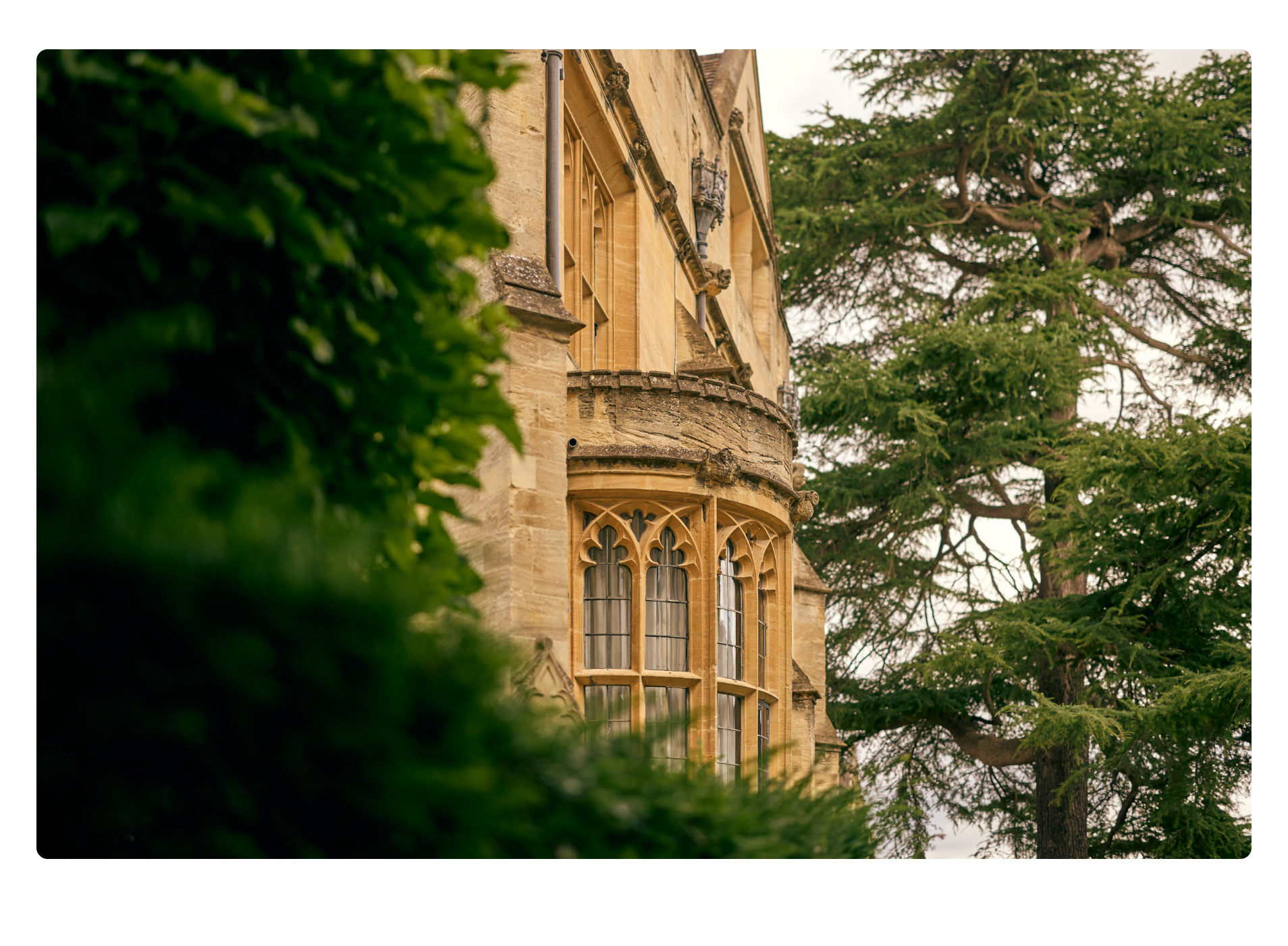
2) After removing the caption from an image
Step-by-step guide
Step 1
- Access your site
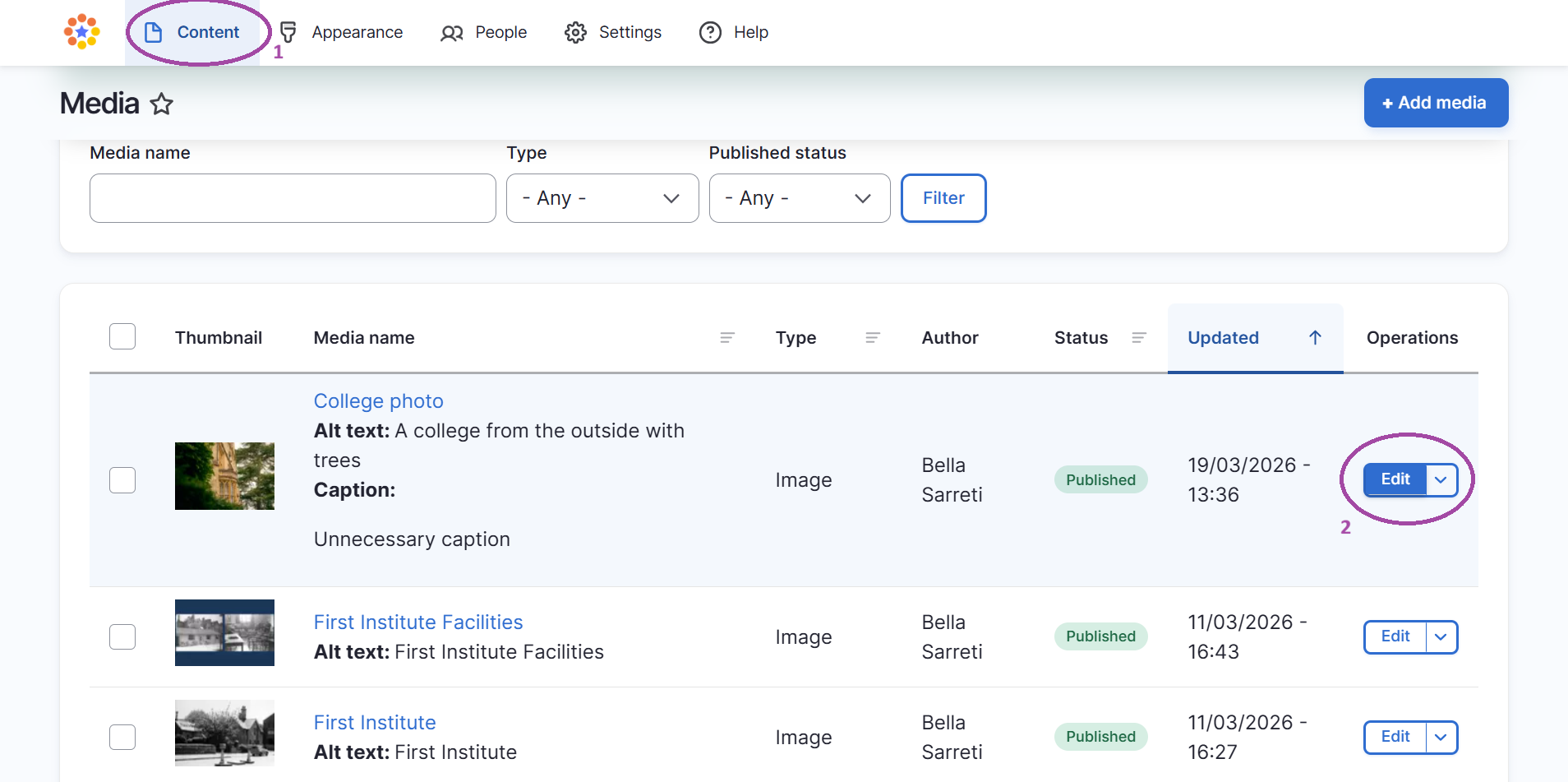
- Go to 'content'
- Find your desired image and click 'edit'
Step 2
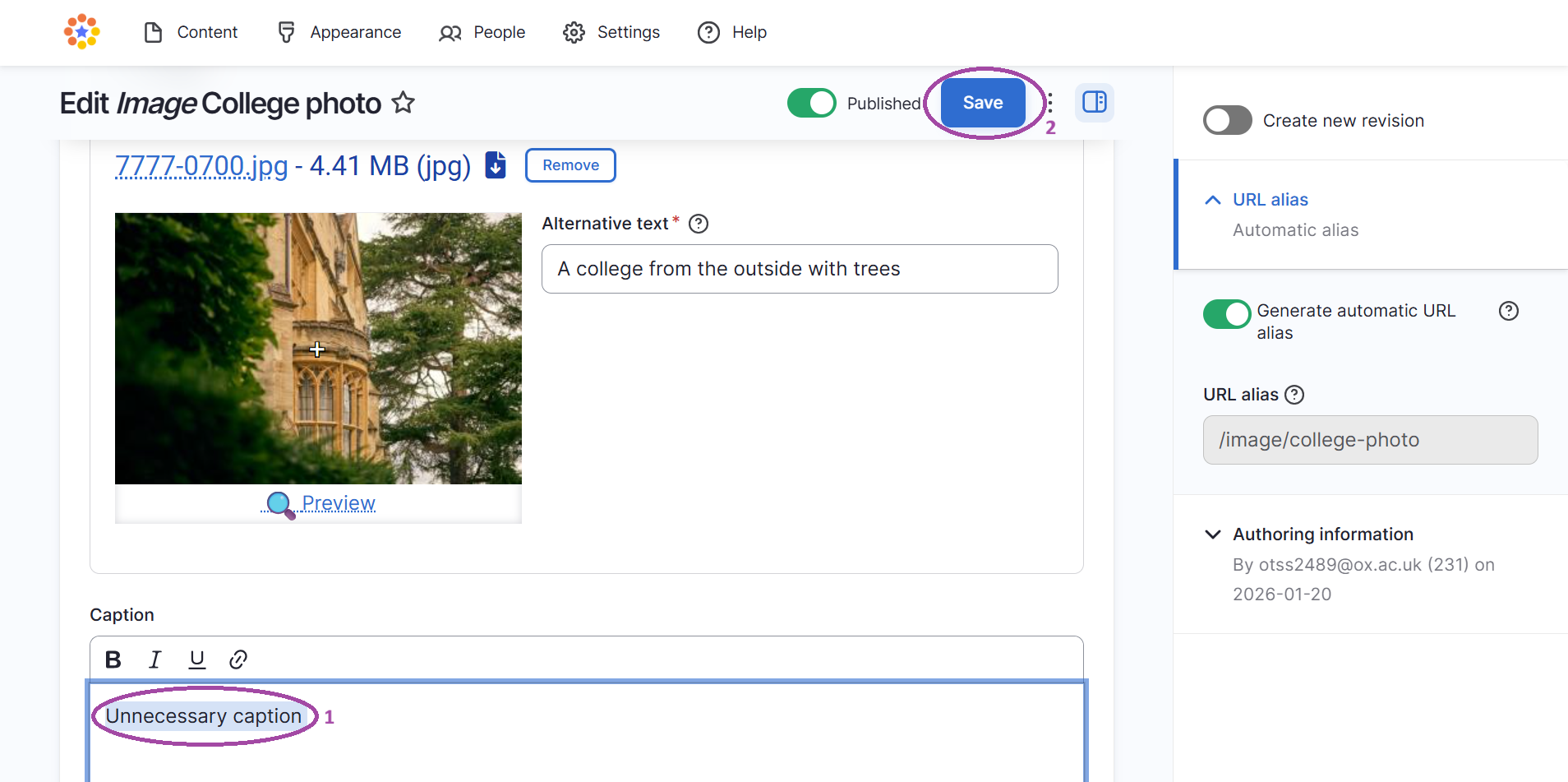
- Go to 'caption' and remove or change the text on the caption
- Click 'save'
- The caption should now have been changed/removed from whichever pages that your image is appearing on your site
Note: You may need to go back into the page which hosts the image and 'edit' the page. This will allow Fresco to recognise this change and remove the caption.