
Fresco Glossary
A glossary of key terms, including those related to features, components and site settings to help you build, edit and review your Fresco site. These terms are used throughout the Fresco support and help materials.
Accessibility: Refers to the process of making a website or mobile app accessible means making sure it can be used by as many people as possible. There are Accessibility standards the University is required to reach. Read more on the Digital Accessibility page.
Admin/Administrative Ribbon: The horizontal ribbon or bar at the top of the page where you can edit your site’s Content, Appearance, user access and more. This is only available to some users.

Awaiting approval: This is a status that would be used in circumstances where you need to create or edit a page on your site and then get approval from another, perhaps more senior colleague, in order to then publish it to the live site. Any edits/creations made when saving as awaiting approval, will not be made to the live site until this setting has been changed to published.
Canonical URL: A link to the preferred page location or URL of the content of your page. Used to help eliminate duplicate content penalties from search engines.
Components: The building blocks or sections on your page that host your content. Eg. Header, footers, banner etc.
CMS: Short for Content Management System. Fresco is the University of Oxford’s preferred CMS platform.
CSS: Short for Cascading Style Sheets. CSS describes how HTML elements are to be displayed and control the layout of multiple web pages all at once.
Edit Pane: The vertical pane or window that opens when editing a page.
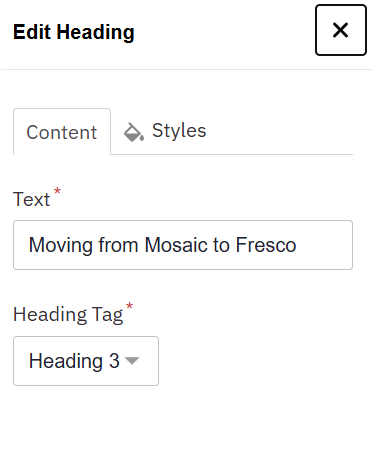
Edit Ribbon: The horizontal ribbon or bar below the Admin Ribbon where you can View, Edit and Delete content, and more.
Footer: Here you can choose between your premade headersfooters. This will override the site default header, chosen within the global styling settings.
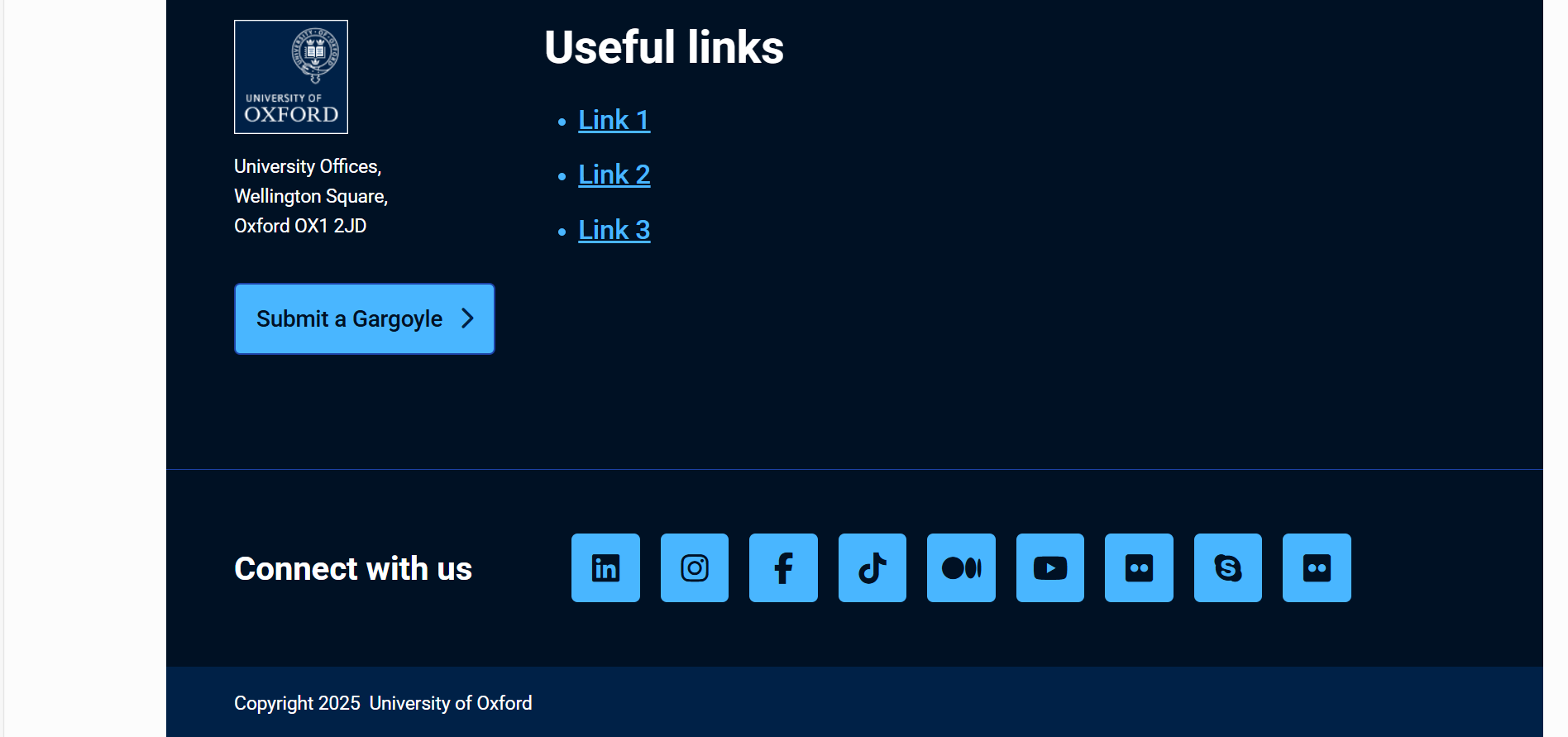
Header: Here you can choose between your premade headers. This will override the site default header, chosen within the global styling settings.

HTML: Short for HyperText Markup Language. It forms the backbone of any web page and is responsible for organising headings, paragraphs, lists, images, links, and other elements. Eg. <b>bold text</b>, <H1>heading text<H1>
Image alternative or 'alt' text: A text description of what is shown in the image. For example, "A young lion standing on Pride Rock." This is not a caption but an accessibility feature to help visually impaired users understand the content.
Information Architecture (IA): Also referred to as Navigation or Nav, the IA is the structural design of your site. A good IA is logically organised, helping visitors navigate around your site easily.
JavaScript: A programming language commonly used to add interactivity and dynamic content to websites, alongside HTML and CSS
Menu Link Title: This is the text that will appear in the menu - that users will need to click on in order to navigate to your page.

Metadata: Is data that provides information about other data, and helps describe, explain, locate, and makes it easier to retrieve, use, or manage other data. Basic examples include: author, date created, date modified, page title, and keyword fields.
Page Preview Bar: The horizontal bar at the top of your page where you save your work, exit editing, and can toggle the view for desktop and smartphone users.

Page Title: This is the main title of the page you are building. Upon populating the page you will be given the option to automatically display this within the content or not to.
Published: Whenever you are happy for any edits/creations to be made public, you would change the status to Published and save. This will push any edits/creations to the live site.
Sa11y Accessibility Checker (Sally): Fresco’s in-built accessibility checker to help you address potential accessibility issues on your page.

Save as: This setting allows you to decide between three options to apply a status to this page.
Tranche: A group of migrating websites. Your group will be determined by the features that are available in Fresco for your website.
URL: Uniform Resource Locator - A web address that provides more info about the event or allows users to register for it. For example https://www.ox.ac.uk/
Widget: A widget is a small block of functionality which creates a specific piece of content on a page. On Fresco these are known as components.
WYSIWYG: ‘What you see is what you get’ - an editing interface that allows you to see exactly how content will appear when displayed or printed while you’re editing it.