
Adding node links (page references)
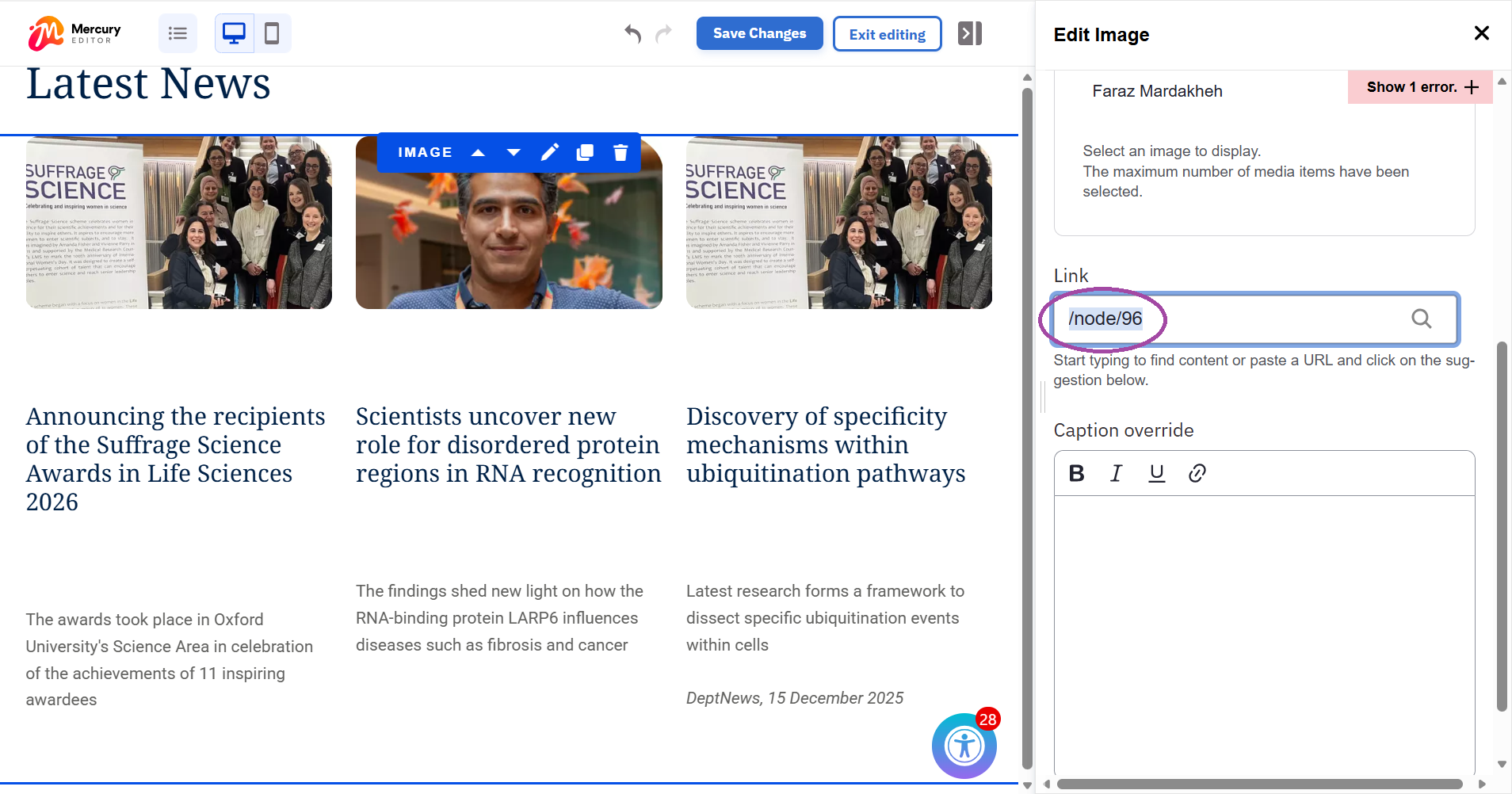
A node link (also called a page reference) is an internal link created by selecting a specific page from an auto-populated list in the CMS rather than manually entering a URL.
Node links are the optimal method for internal linking because:
- Automatic updates: If the target page is renamed or moved, the link updates automatically to reflect the change
- Domain-agnostic: They use relative paths, ensuring they work correctly even if the site's domain changes, which is particularly useful during the migration review period
- Migration stability: These links survive the transition from Mosaic to Fresco but they can also be added after your site has migrated to Fresco
Step-by-step guide
Step 1
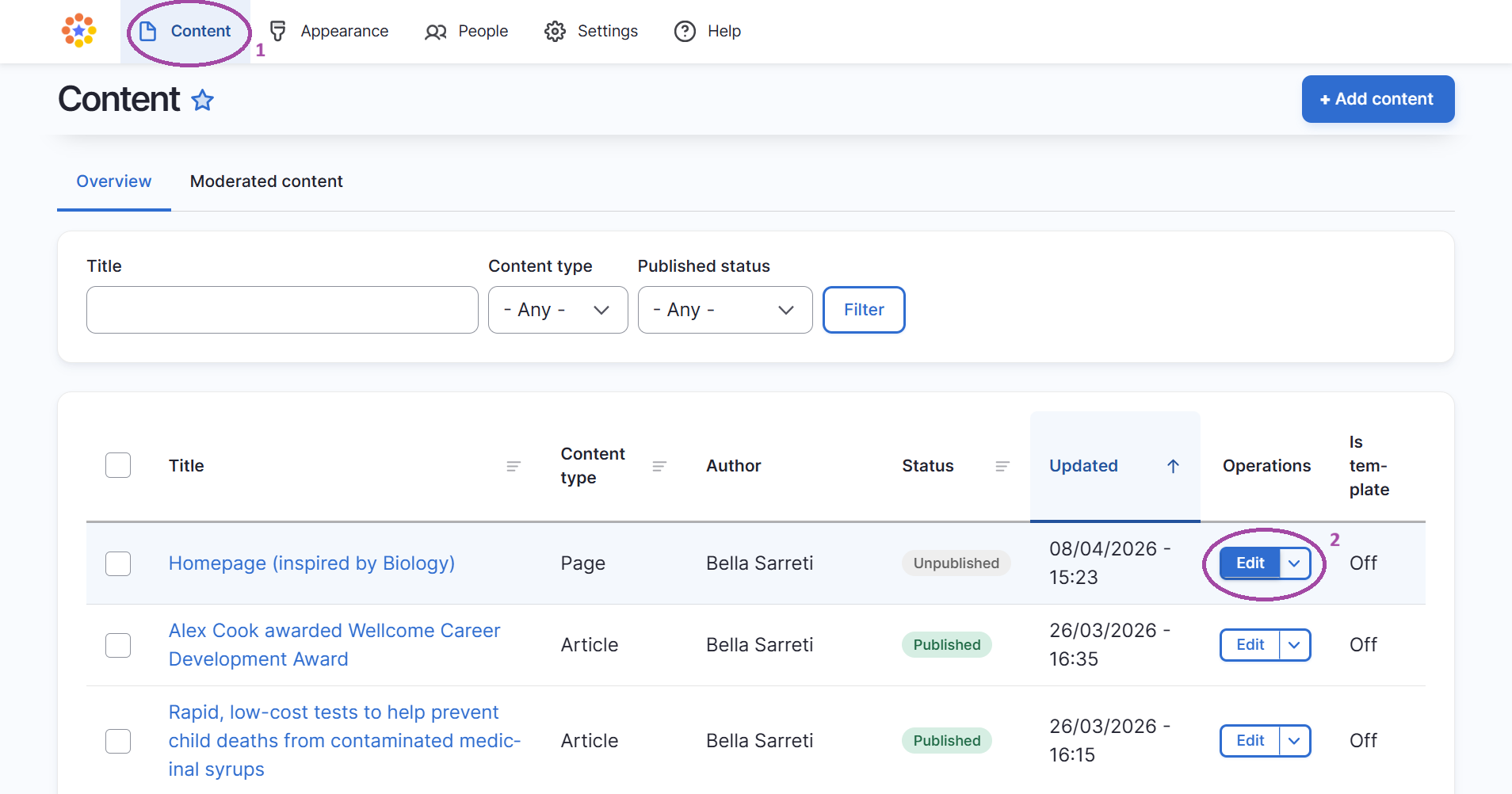
- Go to content
- Go to edit mode by clicking 'edit' in the admin ribbon to find the page you're working on
Step 2
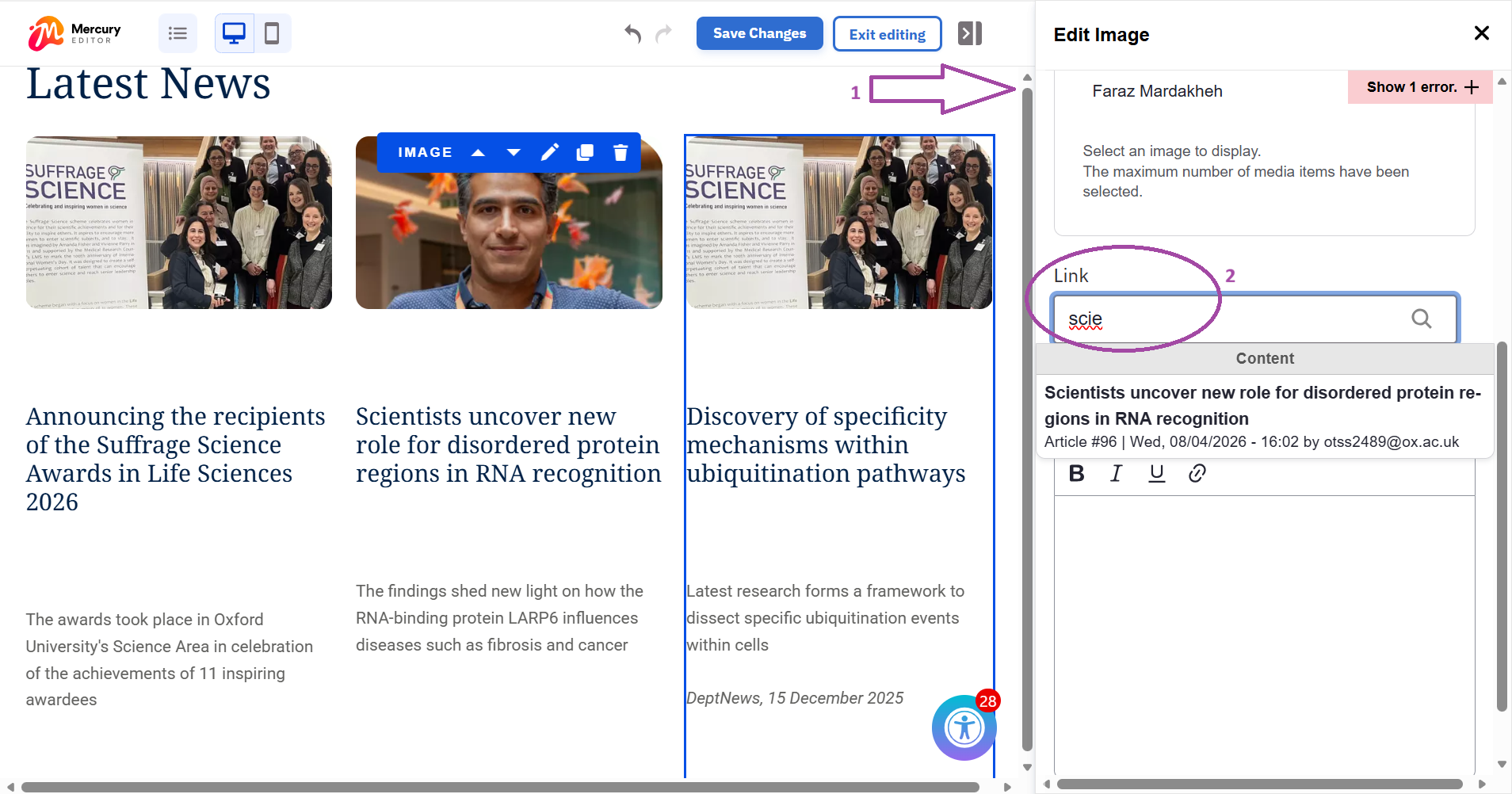
- Open the component you wish to edit, such as a Button, Text, or Menu component
- In the link or URL field, begin typing the title of the destination page
- Select the correct page from the auto-populated dropdown list that appears
Step 3
- Remember to save changes before you exit editing